Duplicate Detection
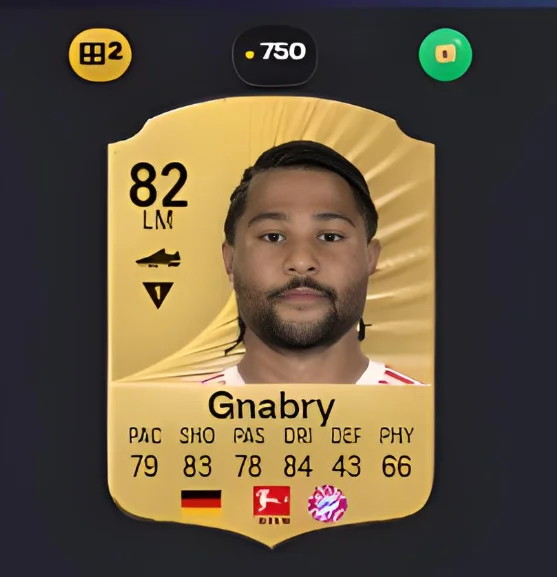
A duplicate badge on every card that already exists in your club or storage — visible while you open packs, sort unassigned items, or browse the market. Dupes stop slipping through into accidental quicksells.
Why duplicates are worth catching
A duplicate is not a wasted pull. It is fodder you already paid for. Spent on a Squad Building Challenge it becomes progress toward a pack or a player; quicksold it becomes a few hundred coins and nothing else. The gap between those two outcomes is most of what separates players who complete sets cheaply from players who buy their way through them.
The trouble is that duplicates are invisible in the moment. Opening twenty packs, nothing on screen tells you which of those golds you already own, and the quicksell button is right there. By the time you are looking for fodder for a challenge, the cards that would have covered it are gone.
What counts as a duplicate
Detection is by card version, the same way the game itself counts them. Two different versions of the same footballer are not duplicates of each other — a Team of the Week card and the base card are separate items, and holding both is not holding a dupe. A card is only flagged when you already own that exact version.
This matters because the looser definition would be actively harmful. A tool that flagged every version of every player you own would tell you to throw away the special cards you actually want.
Where the badge shows up
Everywhere cards appear, using the same rule in each place:
- While opening packs, so the decision is in front of you before you send anything to the club.
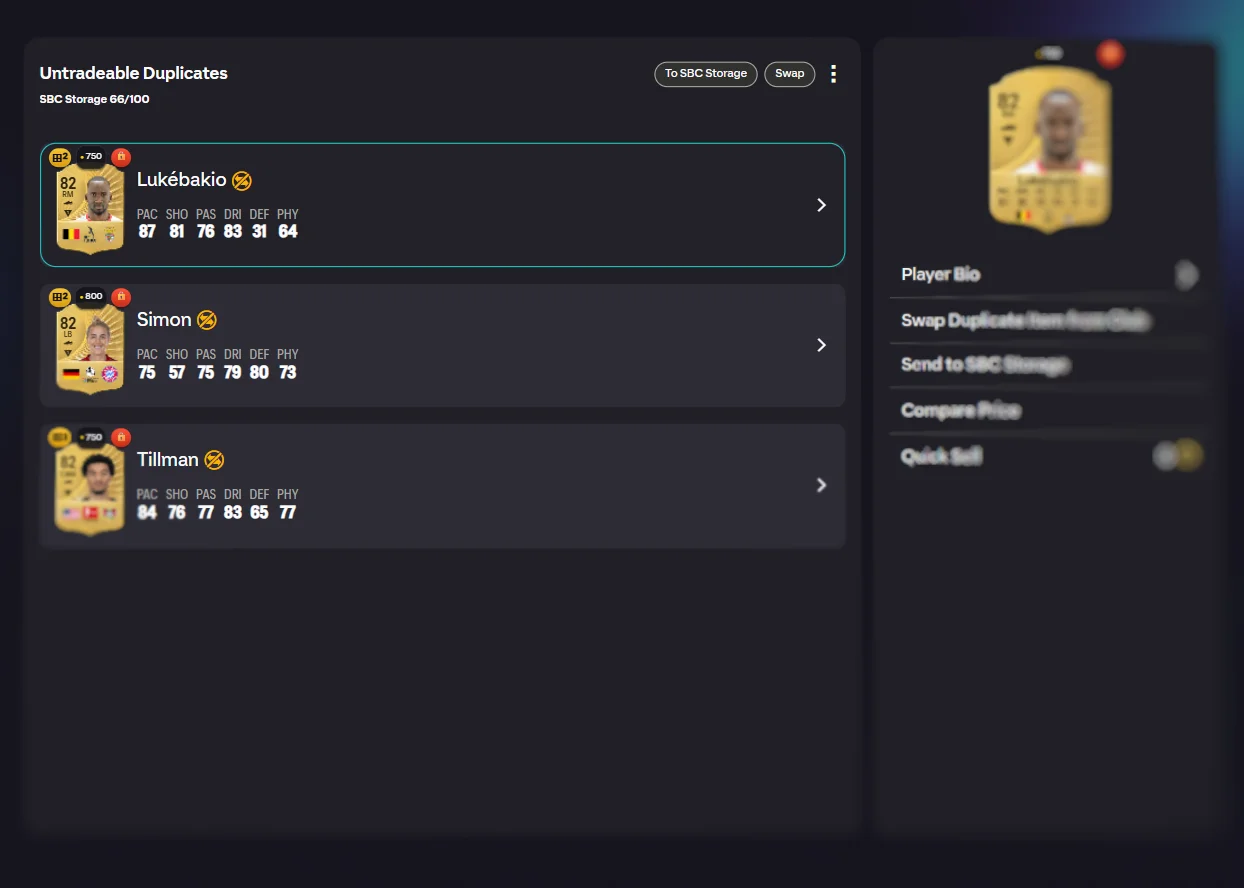
- On the unassigned pile, where the backlog usually builds up.
- In your club, when you are looking for something to spend.
- On market results, so you do not buy a card you already have.
Your SBC storage counts as part of your club for this, so a card sitting in storage still makes the next copy a duplicate.
Clearing a backlog quickly
On the unassigned screen, duplicates get their own bulk actions, which is what turns a hundred-item pile from a chore into a few taps. Send the duplicates to SBC storage or the transfer list, send the new cards to the club, and the pile is empty.
Nothing moves on its own. The actions are offered; you decide. The point is that you are deciding about a group of cards you can see the shape of, rather than one card at a time with no idea which is which.
What happens to dupes afterwards
Once duplicates are in storage they become the first thing the solver reaches for. Given a choice between a duplicate and a card you only own one of, the duplicate goes into the challenge. You keep the single copies without having to think about it, and the cards you pulled twice do the work.
Using it, step by step
- Open packs or unassigned items. Cards you already own show an orange duplicate badge.
- Use the bulk actions. On Unassigned, route duplicates and new cards to different destinations in one tap each.
- Feed dupes to SBCs. The solver prefers duplicates first, so flagged cards become SBC progress automatically.
Frequently Asked Questions
What counts as a duplicate?
A card whose exact version you already own. Two different versions of the same player are not duplicates of each other — a Team of the Week card and the base card of the same footballer are separate items, and only one of them is a dupe if you already hold that same version.
Where does the badge appear?
Anywhere you see cards: while opening packs, on the unassigned pile, in your club, and on market search results. The check is the same in every place, so a card flagged in a pack is still flagged when it reaches your unassigned items.
Does it move or delete anything on its own?
No. It only marks cards. Every move is one you make, including the bulk actions, which are offered rather than applied.
Why does it matter if I quicksell a duplicate?
A duplicate is usually worth more as challenge fodder than as coins. Quicksell values are low, and the same card spent on a Squad Building Challenge moves you toward a pack or a player. Losing dupes to quicksell is the most common quiet waste in Ultimate Team.
Does the solver know about duplicates?
Yes. When a challenge can be filled with either a duplicate or a card you only own once, the duplicate goes in first. You keep the single copies.
See also: fodder and duplicates guide, the SBC solver, and opening packs in bulk. Every feature is listed on the features overview.
Try FC Helper Free